I’m guessing many of you were starting to get annoyed by Server Overloaded, Try Again in a Few Minutes messages, especially late at night. You probably weren’t a fan of waiting 60+ seconds for salesrank data to generate in charts.
These things bothered me too. Thus, I took time aside and have completely rewritten the backend database of NovelRank, which I’m now calling NovelRank version 3 (v3 for short). On the front end, there are no differences, but the experience of using the site is dramatically improved. It’s been a plan for months, and the four phases of transition started one week ago, finishing up late Saturday (Oct 19, 2013) night. I’m really proud and satisfied with the results.
Here’s a full list of everything that has been improved dramatically:
- Charts (Type: SalesRank)
- Stats (PRO Users now get to update this instantly)
- API (NovelRank iPhone app and PRO WebApp)
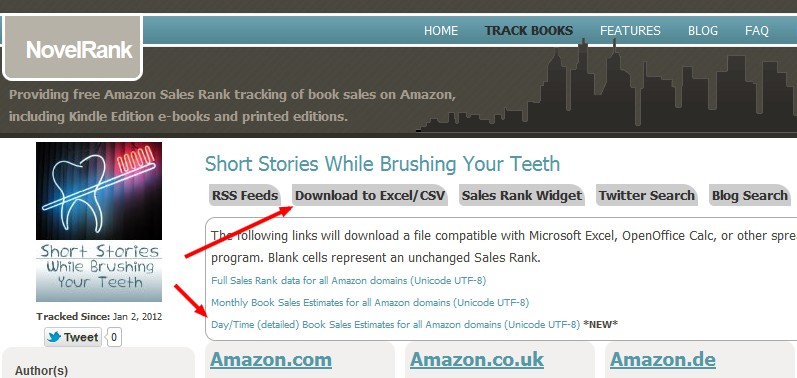
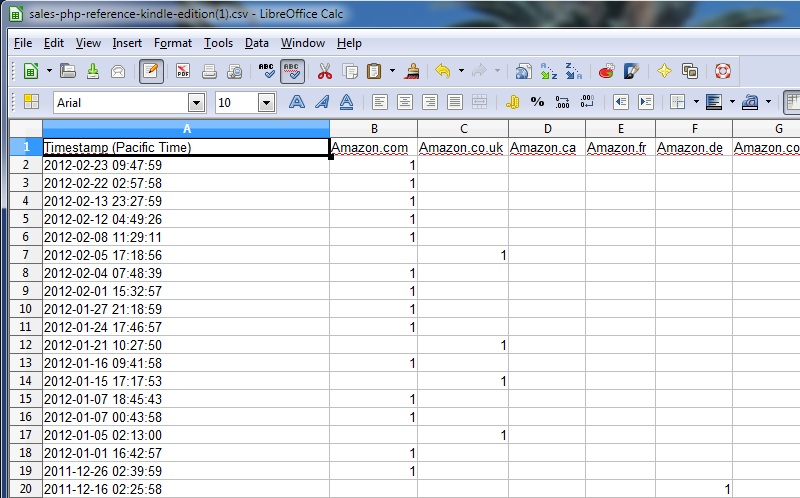
- CSV exports (SalesRank)
- SalesRankExpress rank history charts
Since it was completed, there have been zero users receiving the Server Overloaded message. I’m proud of that.
I hope you continue to enjoy and use NovelRank worldwide. As a reminder, it’s built by one guy, me, and your support through PRO sign-ups and donations are the only income I have.
 Here’s the info you need to know.